![[EN-GB] Dog Owner Pro](/_astro/logo-dop.jtBKZvAq.png)

Are you a breeder? Here's how to get listed.
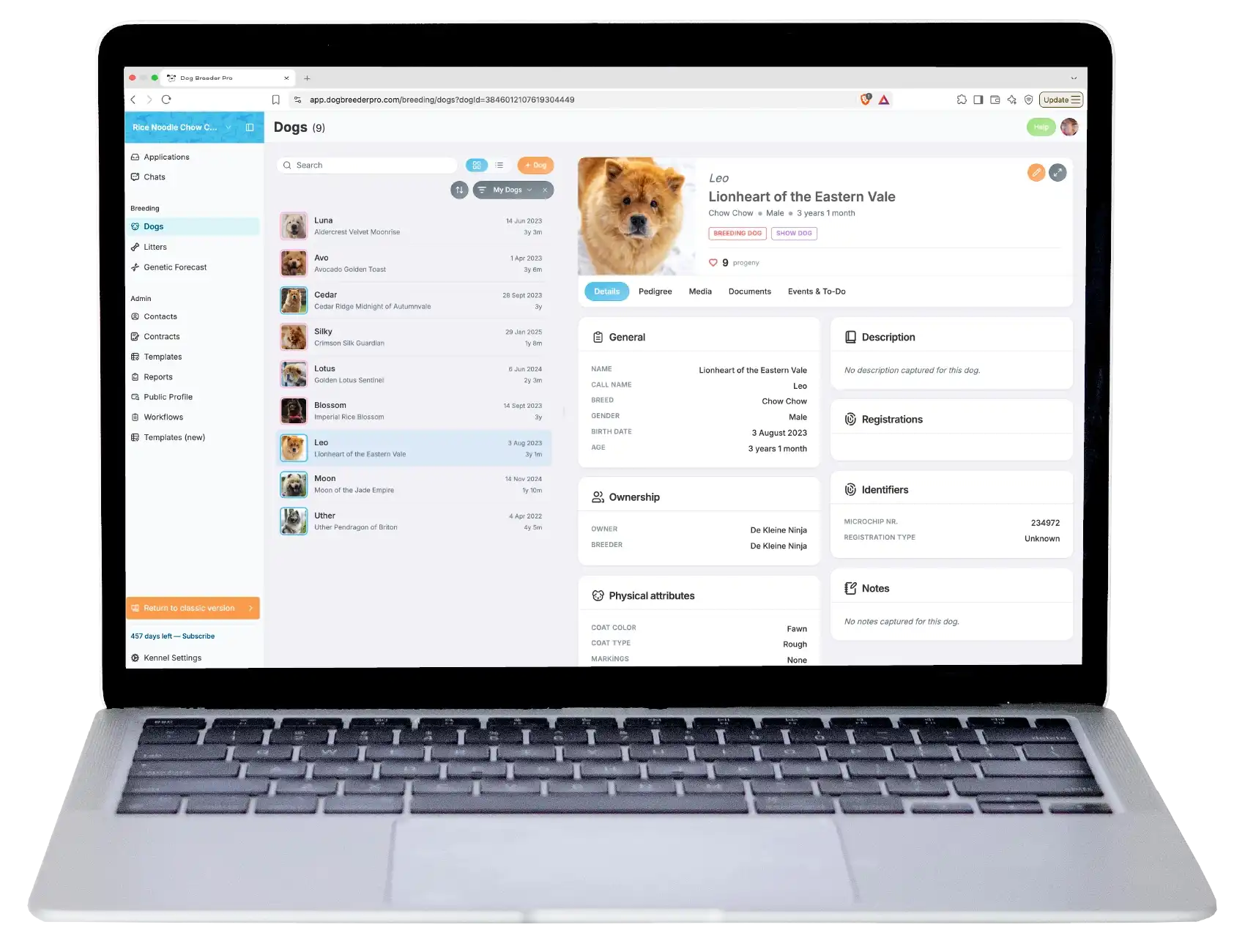
Every breeder listed on Dog Owner Pro runs their program on Dog Breeder Pro, our breeding management software. That's how the pedigrees, health testing, and litter information on this site stay accurate and up to date. If you'd like potential customers to find you here, that's where you start.
How to get listed
-
Sign up for Dog Breeder Pro
Manage your dogs, pedigrees, health records, litters, and customer applications in one place. Start with a free 30 day trial.
-
Add your kennel and your dogs
Build their pedigrees, capture their health and genetic tests, and plan the breedings you want to do over the next few years.
Already signed up? Your records are all there and ready.
-
Turn on your public profile
Choose which dogs and litters you want to show, update your profile, then press publish. Once your site is published, you're listed in Dog Owner Pro, and potential customers can contact you directly or through your application forms.
Good to know
Already a Dog Breeder Pro user? Publish your listing.